Household · October 4, 2026
How to Set Up a Home Office That Works
4 min
Abstract
A home office does not need its own room. It needs a spot you can rely on, a chair and desk that fit you, decent light, tidy cables and a clear line between working time and the rest of the house.
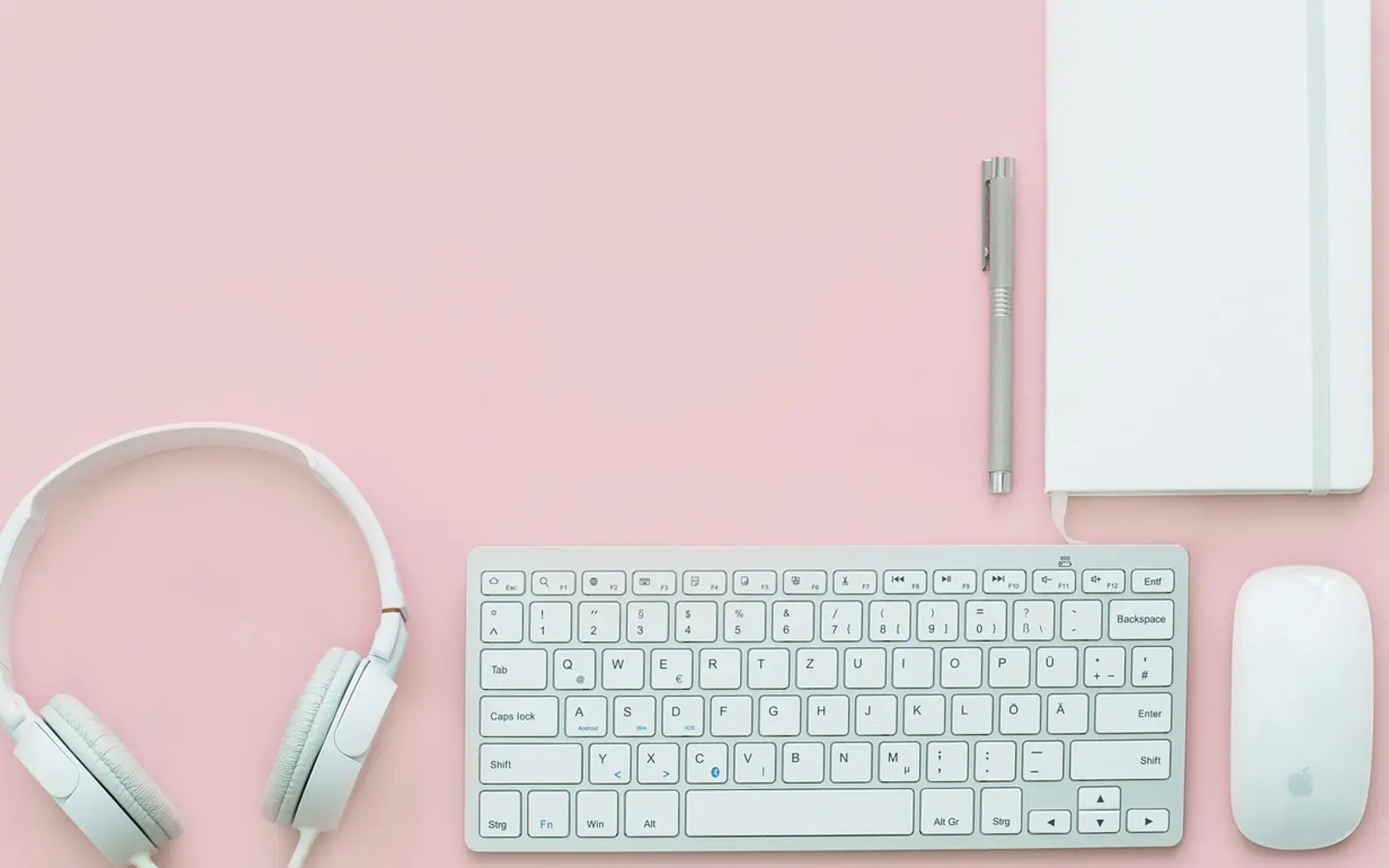
Working from home sounds simple until the laptop has lived on the kitchen table for three months and your shoulders have started to complain. Learning how to set up a home office is less about buying furniture and more about making a handful of decisions in the right order. Get the location, the fit and the routine right, and the purchases mostly take care of themselves.
Choose the spot before the furniture
Walk around your home at the time of day you usually work. Notice where it is quiet, where the light falls and where people pass through. A good spot has most of these qualities:
- A door you can close, or at least a corner out of the main walkway.
- Daylight from the side rather than directly behind the screen or behind you.
- A power socket close enough that cables do not cross the floor.
- A reliable connection; test video calls from that exact place before committing.
- Somewhere you can leave things set up instead of packing away every evening.
If the only option is a shared room, use a bookcase, a screen or even a rug to mark out the area. The visual boundary helps your brain switch into work mode.
Fit the desk and chair to your body
The right set-up depends on your height, not on a catalogue photo. A few checks go a long way:
- Sit with your feet flat on the floor or on a footrest, knees roughly level with your hips.
- Let your shoulders drop and bend your elbows. The desk surface or keyboard should sit at about that height.
- Raise the screen so the top edge sits around eye level and an arm's length away.
- If you work on a laptop all day, add a separate keyboard and mouse and lift the laptop on a stand or a stack of books.
- Support your lower back, with a cushion if the chair does not do it.
Even a well-adjusted set-up becomes uncomfortable if you never move. Stand, stretch or walk for a few minutes every hour or so. If you notice persistent pain, it is worth speaking to a health professional rather than simply buying a new chair.
Light, sound and air
These are the things people notice only once they go wrong. Sort them early.
| Element | Aim for | Quick fix |
|---|---|---|
| Light | Even daylight plus a lamp for evenings | Angle the desk so the window is to one side; add a warm desk lamp |
| Glare | No bright window reflected in the screen | Thin curtain or blind, or turn the screen slightly |
| Sound on calls | Your voice clear, the room quiet | A rug, curtains and a headset with a microphone |
| Air | Fresh, not stuffy, comfortable temperature | Open a window between calls; keep a jumper nearby |
Tame the cables and the clutter
A desk covered in chargers and loose paper slows you down more than you think. Run cables along the back edge of the desk with clips or ties, and plug everything into one extension lead you can switch off at night. Give paper a single tray and empty it weekly. Keep only what you use every day on the desk itself; everything else goes in a drawer or on a shelf.
For anyone sharing an office or splitting time between home and a workplace, our piece on keeping a hybrid office clean without a rigid schedule has ideas that translate well to a spare room.
Make the technology dependable
The fastest way to lose an afternoon is a device that freezes before a call. Check that updates install outside working hours, back up important files to a second location, and learn where to find the settings for your camera and microphone. If your computer has started to crawl, try closing unused programs and clearing out old files before deciding it needs replacing.
Draw the line between work and home
The hardest part of a home office is not the set-up but switching off. Small rituals help:
- Start and finish at roughly the same times, and say so to the people you live with.
- Get dressed for the day, even casually; it signals a change of mode.
- At the end of the day, close the laptop, tidy the desk and, if you can, shut the door.
- Keep work apps off your phone's home screen in the evenings.
A one-week test
Once everything is in place, use it for a full week before buying anything else. Keep a short note of what annoys you: a cable that is always in the way, a lamp that glares, a chair that feels fine at ten but not at four. Fix the most irritating item first. A home office that works is rarely finished on day one; it improves through small adjustments you make once you have lived with it.